
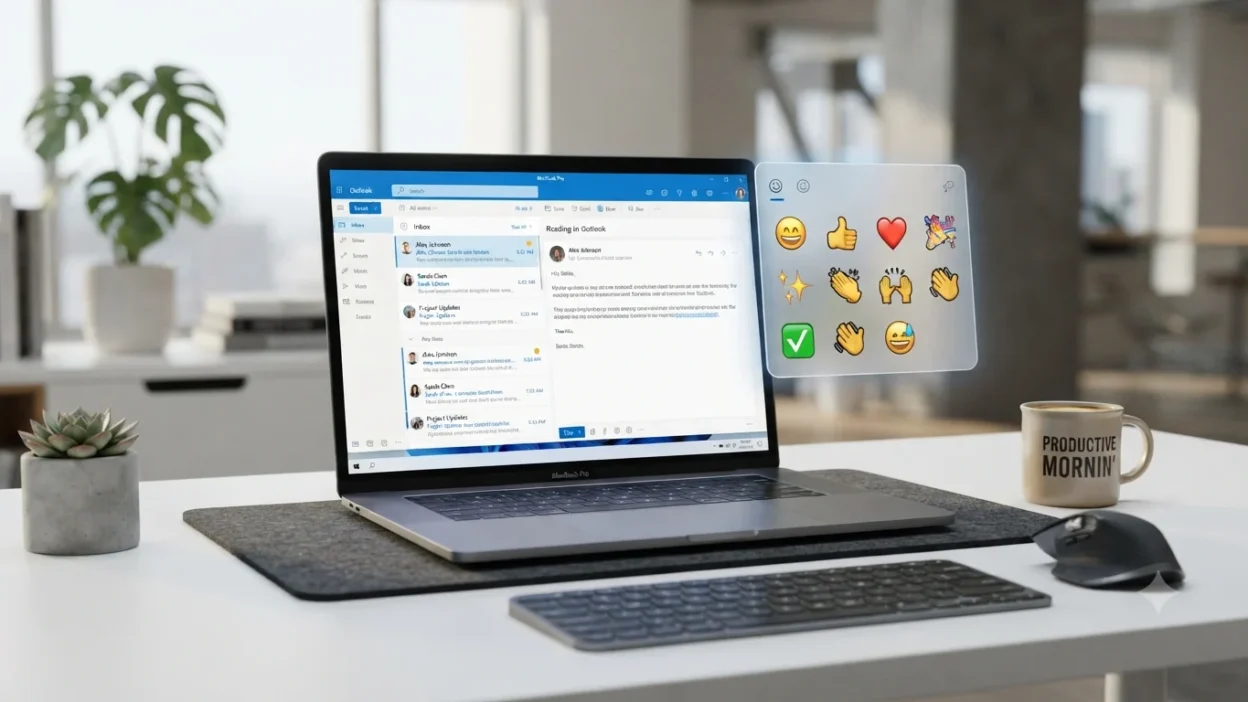
Can’t figure out how to insert emojis in Outlook without copying and pasting them from another website? You’re not alone. One simple keyboard shortcut can open Outlook’s built-in emoji picker in seconds, helping you add emojis to emails faster without interrupting your workflow.
In short, the fastest Outlook emoji shortcut is Windows + . (Windows) or Control + Command + Space (Mac), allowing you to insert emojis instantly while writing an email. Whether you’re using Outlook for Windows, Outlook on the web, Outlook for Mac, or the Outlook mobile app, knowing the correct shortcut can save time and make your messages feel more engaging, professional, and personal.
This guide explains every Outlook emoji shortcut, how to use emojis on every Outlook version, what to do if the shortcut isn’t working, and the best practices for using emojis effectively in business and personal emails.
What do Outlook emoji shortcut mean?
The Outlook emoji shortcut isn’t a single emoji—it refers to the keyboard shortcut that opens your computer’s emoji picker. From there, you can quickly insert commonly used emojis into your emails.
The core emojis used throughout this guide are:
😊 😂 👍 ❤️ 🎉 🙌 👏 ✨ ✔️ 👋
Each one helps add warmth, clarity, celebration, or professionalism to your Outlook messages.
| Emoji | Core meaning | Misread as | Best used when |
|---|---|---|---|
| 😊 | Friendly and warm | Flirty | Thank-you emails, greetings |
| 👍 | Approval or agreement | Cold response | Confirming tasks |
| ❤️ | Care and appreciation | Romantic only | Personal or close messages |
| 🎉 | Celebration | Party only | Congratulations |
| ✨ | Highlight or excitement | Decoration | Announcements |
| 👏 | Appreciation | Sarcasm | Praising achievements |
😊 Smiling Face
Meaning: Friendly, positive, and welcoming tone.
Example 1: Thanks for your quick reply 😊
Example 2: Looking forward to working together 😊
😂 Face with Tears of Joy
Meaning: Something is genuinely funny or lighthearted.
Example 1: That meeting story was hilarious 😂
Example 2: You totally made my day 😂
👍 Thumbs Up
Meaning: Agreement, approval, or confirmation.
Example 1: I’ll finish it today 👍
Example 2: Everything looks good 👍
❤️ Red Heart
Meaning: Deep appreciation, affection, and kindness.
Example 1: Thanks for all your support ❤️
Example 2: Wishing you the best ❤️
🎉 Party Popper
Meaning: Celebration, success, or exciting news.
Example 1: Happy Birthday 🎉
Example 2: Congratulations on your promotion 🎉
🙌 Raising Hands
Meaning: Success, excitement, or teamwork.
Example 1: We finally finished the project 🙌
Example 2: Amazing job everyone 🙌
👏 Clapping Hands
Meaning: Praise and appreciation.
Example 1: Great presentation 👏
Example 2: You deserve it 👏
✨ Sparkles
Meaning: Adds emphasis, excitement, or a polished feel.
Example 1: New update is live ✨
Example 2: Wishing you a wonderful day ✨
✔️ Check Mark
Meaning: Completed, confirmed, or verified.
Example 1: Task completed ✔️
Example 2: Everything is ready ✔️
👋 Waving Hand
Meaning: Greeting or farewell.
Example 1: Hi everyone 👋
Example 2: See you tomorrow 👋
Holding Back Tears Emoji: More Than Just Tears
How to use Outlook emoji shortcut the right way
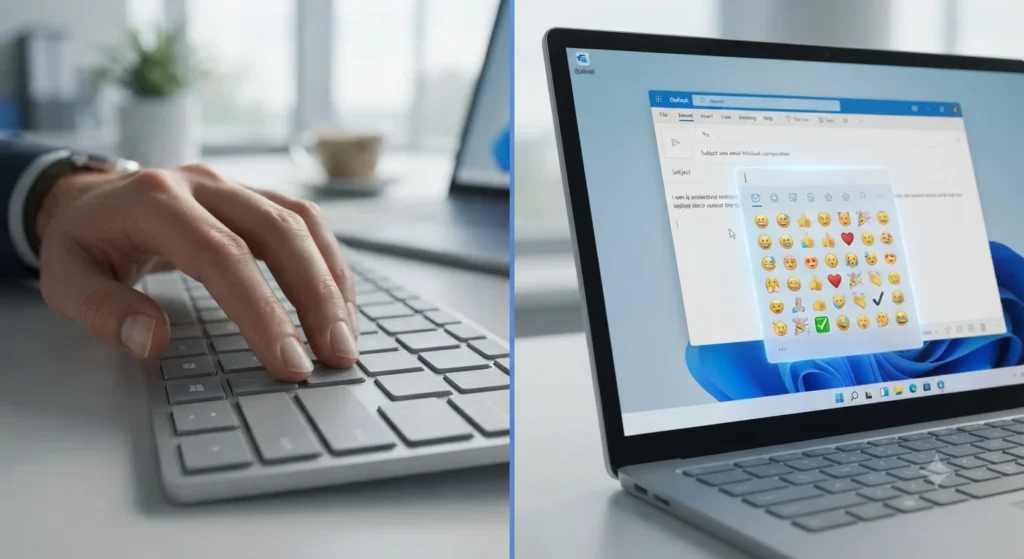
Once you know the Outlook emoji shortcut, adding emojis to emails becomes quick and natural. On Windows, press Windows + . (period) or Windows + ; (semicolon) to open the emoji picker. On Mac, press Control + Command + Space to bring up the emoji panel.
The key is using emojis to support your message—not replace it. A well-placed emoji can make an email feel warmer without reducing professionalism.
Outlook (Email)
Outlook is best for friendly, professional communication. Emojis work well in thank-you emails, team updates, birthday wishes, congratulations, and casual workplace conversations.
Example:
Thank you for your help today 😊
Great work on completing the project 🎉
On WhatsApp, people usually communicate with close friends, family, and colleagues. Messages tend to be more emotional and expressive, so combining a few familiar emojis feels natural.
Example:
Thanks for always helping me ❤️🙌
See you tonight 👋😊
Instagram captions often focus on clean aesthetics and branding. Instead of filling a caption with dozens of emojis, creators usually use a few that complement the content.
Example:
New project is finally live ✨🎉
Weekend memories 😊✨
TikTok
TikTok users often use emojis for humor, reactions, and trending content. Short captions with expressive emoji combinations are common.
Example:
When everything finally works 😂🙌
Mission completed ✔️🎉
Do’s
- ✅ Use emojis to make emails feel warmer.
- ✅ Match the emoji with the message.
- ✅ Keep business emails simple and professional.
- ✅ Use one or two emojis instead of many.
- ✅ Test important emails before sending if formatting matters.
Don’ts
- ❌ Don’t overload emails with emojis.
- ❌ Don’t use humorous emojis in serious conversations.
- ❌ Don’t assume every recipient interprets emojis the same way.
- ❌ Don’t replace important information with emojis alone.
- ❌ Don’t use romantic emojis in formal workplace emails unless appropriate.
Hand Over Mouth Emoji 🤭 Meaning Guide
Best Outlook emoji shortcut combos — copy & paste
Romantic
👉 ❤️✨ — Add a warm, heartfelt touch to a caring message.
👉 😊❤️ — Perfect for sweet and thoughtful conversations.
👉 ❤️🙌 — Celebrate love, support, or a meaningful milestone.
Cute
👉 😊✨ — Friendly greetings and cheerful updates.
👉 👋😊 — A welcoming hello for emails or chats.
👉 😊👏 — Celebrate someone’s effort in a positive way.
Flirty
👉 😊❤️✨ — A light and charming message without overdoing it.
👉 👋❤️ — Friendly with a hint of affection.
👉 😊🎉 — Celebrate happy moments together.
Missing Someone
👉 👋❤️ — A simple way to say you’re thinking of someone.
👉 😊👋 — Perfect for “see you soon” messages.
👉 ❤️✨ — Warm wishes when you’re apart.
Good Night
👉 😊✨ — A peaceful and kind good-night message.
👉 👋✨ — Friendly sign-off before bedtime.
👉 ❤️😊 — End the day with warmth and appreciation.
These combinations are easy to copy and paste into Outlook, WhatsApp, Instagram, or TikTok. Since they use familiar emojis, they also display well across most modern devices, although the exact design may look slightly different depending on the platform.
Trending Outlook Emoji Shortcut in 2026
While the Outlook emoji shortcut stays the same, a few familiar emojis continue to stand out because they’re simple, versatile, and easy to understand in both personal and professional conversations.
| Emoji | Why trending | Who uses it | Platform |
|---|---|---|---|
| 😊 | Creates a warm and approachable tone | Professionals, students, everyday users | Outlook, WhatsApp, Instagram |
| ✨ | Makes announcements and updates feel polished | Content creators, marketers, businesses | Instagram, Outlook |
| 🎉 | Celebrates achievements and milestones | Teams, families, friends | Outlook, WhatsApp |
| 👍 | Quick way to acknowledge or approve a message | Office workers, managers, casual users | Outlook, Teams, WhatsApp |
As digital communication evolves, familiar emojis often continue to adapt to new styles and contexts while keeping conversations more human and expressive.
Frequently Asked Questions
1. What is the most popular Outlook emoji shortcut?
On Windows, the most popular Outlook emoji shortcut is Windows + . (period). It instantly opens the emoji picker, allowing you to insert emojis into Outlook emails without copying and pasting. On Mac, use Control + Command + Space.
2. What does 😊 mean from a girl or boy?
The 😊 emoji usually expresses kindness, happiness, or appreciation. Its meaning depends on the conversation, but in most cases it simply makes a message feel warmer and friendlier rather than suggesting romance.
3. Why do emojis look different on iPhone vs Android?
Each operating system has its own emoji design. Apple, Google, Microsoft, and other platforms create unique artwork for the same Unicode emoji, so the appearance can vary even though the intended meaning stays the same.
4. Are Outlook emoji shortcuts used differently in other countries?
The keyboard shortcuts are generally the same, but emoji interpretation can vary slightly across cultures. For example, some emojis may feel more formal, playful, or expressive depending on local communication habits.
Conclusion
The Outlook emoji shortcut is one of the quickest ways to make emails feel more engaging and personal. Whether you’re thanking a colleague, celebrating a milestone, or simply saying hello, using emojis thoughtfully helps your message feel more natural. Stick to simple, familiar emojis, and you’ll communicate with confidence across Outlook, WhatsApp, Instagram, and other platforms.

Nora Ellison is a digital language writer specializing in emoji meanings, internet slang, symbols, and online communication, creating clear, accurate, and reader-friendly content.